What is Consolidated View?
Consolidated View is a setting in 2Click Accounting that allows you to combine all active companies under the same subscription into a single view. This makes it possible to work across companies with banking, invoicing, and expenses without switching between companies in the application.
How it works
Selecting Consolidated View
Previously, the company selector in the menu, 2Click only allowed you to work within one company at a time. Now, you can select all active entities within your subscription at once by clicking the "mother company" shown at the top of the list (this is the subscription owner). For example, clicking "SIMTEQ A/S" at the top selects all companies within SIMTEQ A/S's subscription, as shown below:
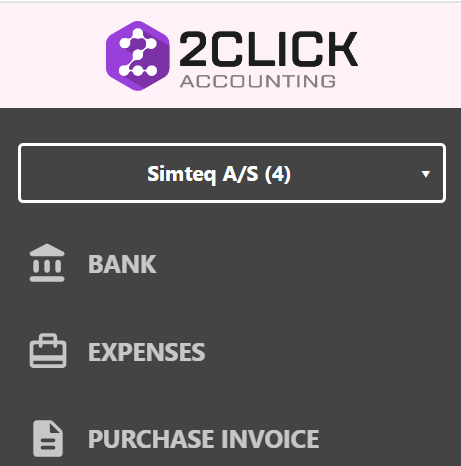
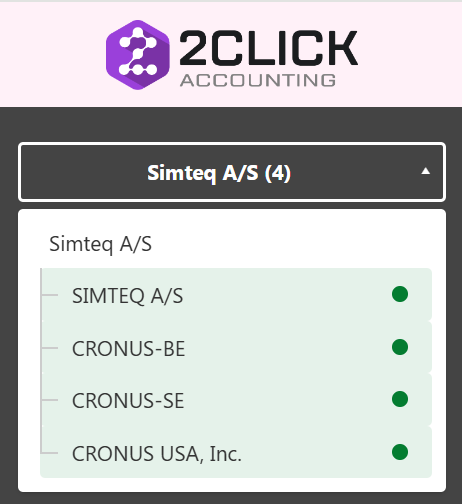
Once selected, you can continue working in the Bank, Expense, and Purchase Invoice modules as usual, but now across all selected companies at the same time. The interface works very similarly to the system you're used to, with one additional exception: each item (i.e. payment, expense, or invoice) now shows which company it belongs to in their respective lists, so you can always see which company it was inherited from.

Gaining access to entities
Note that the consolidate view only will work for companies that have multiple entities within their subscription, and for users that have been allowed access to two or more of these. User access to a company is granted in user setup in settings, in the "Users" tab, and can only be given by a company administrator.
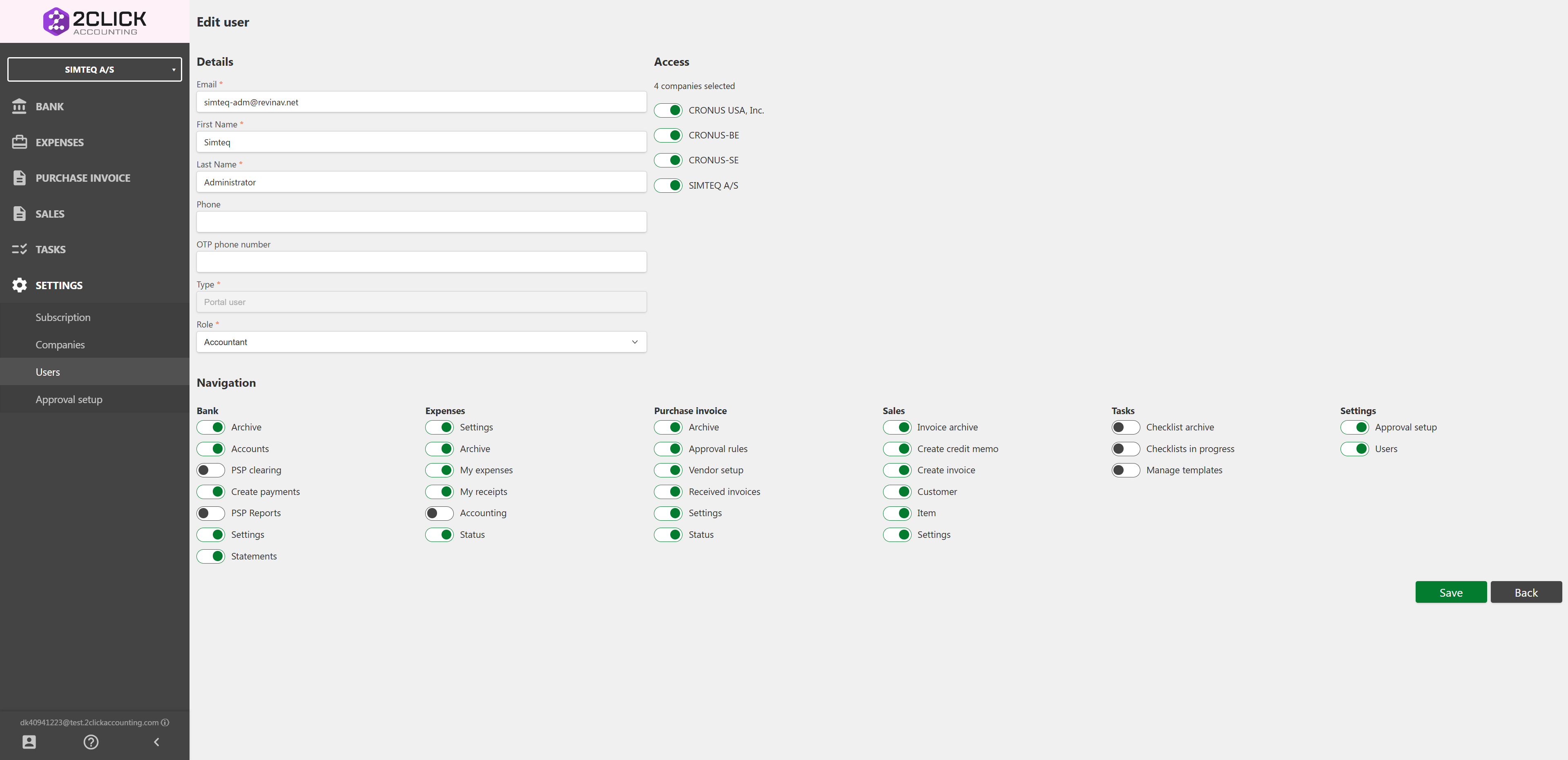
The user pictured above, have been granted access to all four entities within the company's subscription, and are therefore entitled to work in consolidated view for all of these.
To read how the consolidated view is in use, press the respective links for BANK, EXPENSES, and PURCHASE INVOICES.