Purchase Invoice
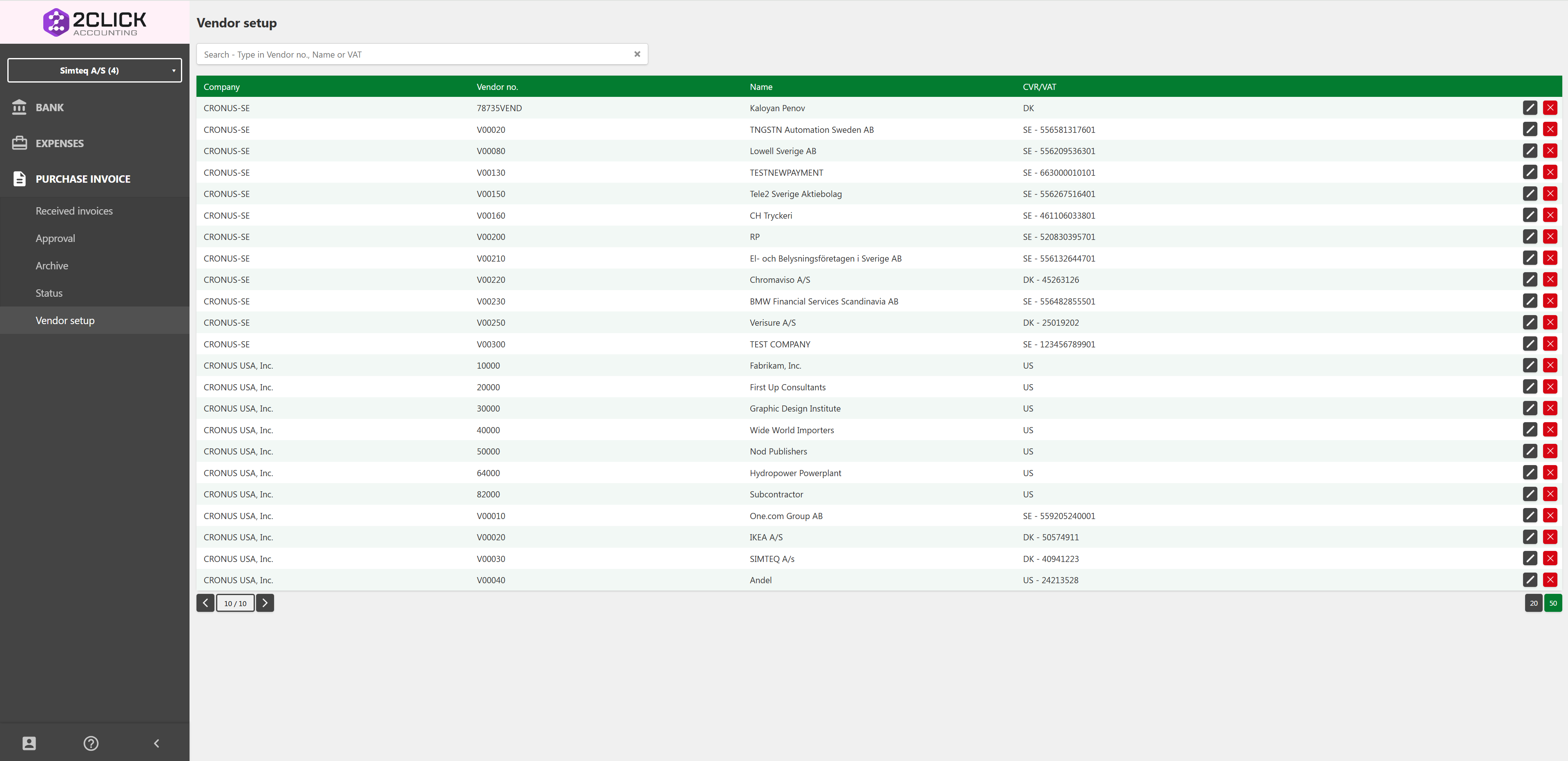
The Purchase Invoice module works the same way in Consolidated View as when working in a single company. You can view and process received invoices across all companies within your subscription at the same time, using the same pages as usual: Received Invoices, Approval, Archive, Status, and Vendor Setup. *Click on the page names to access the link to read on how they work. *
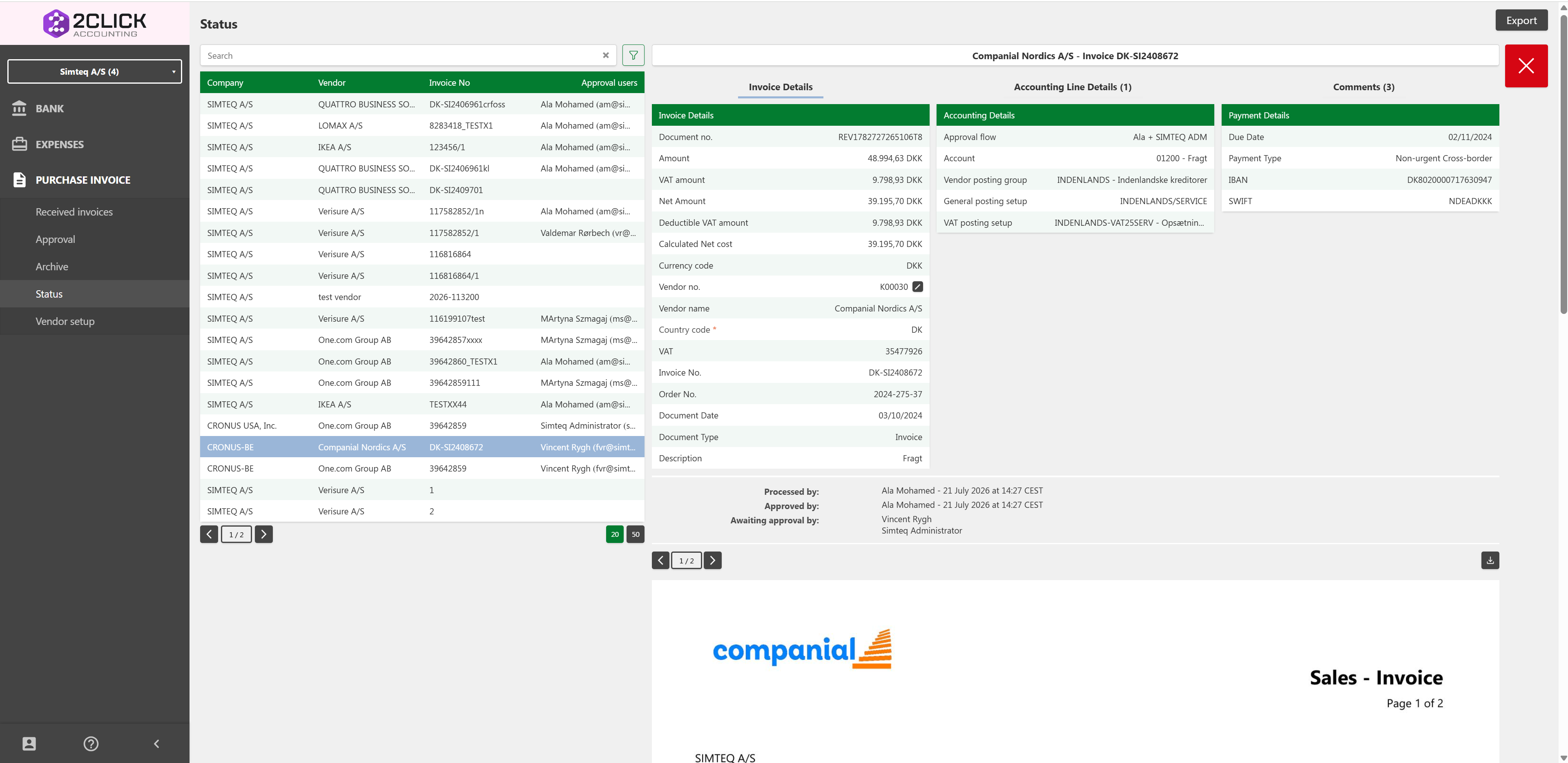
The only difference is the additional Company column in the table, showing which company each invoice belongs to. As shown in the screenshot above, invoices from multiple companies (e.g. CRONUS-BE, CRONUS USA, Inc., and SIMTEQ A/S) appear together in the same list, and selecting an invoice shows the details for that specific company as usual.

Received Invoices
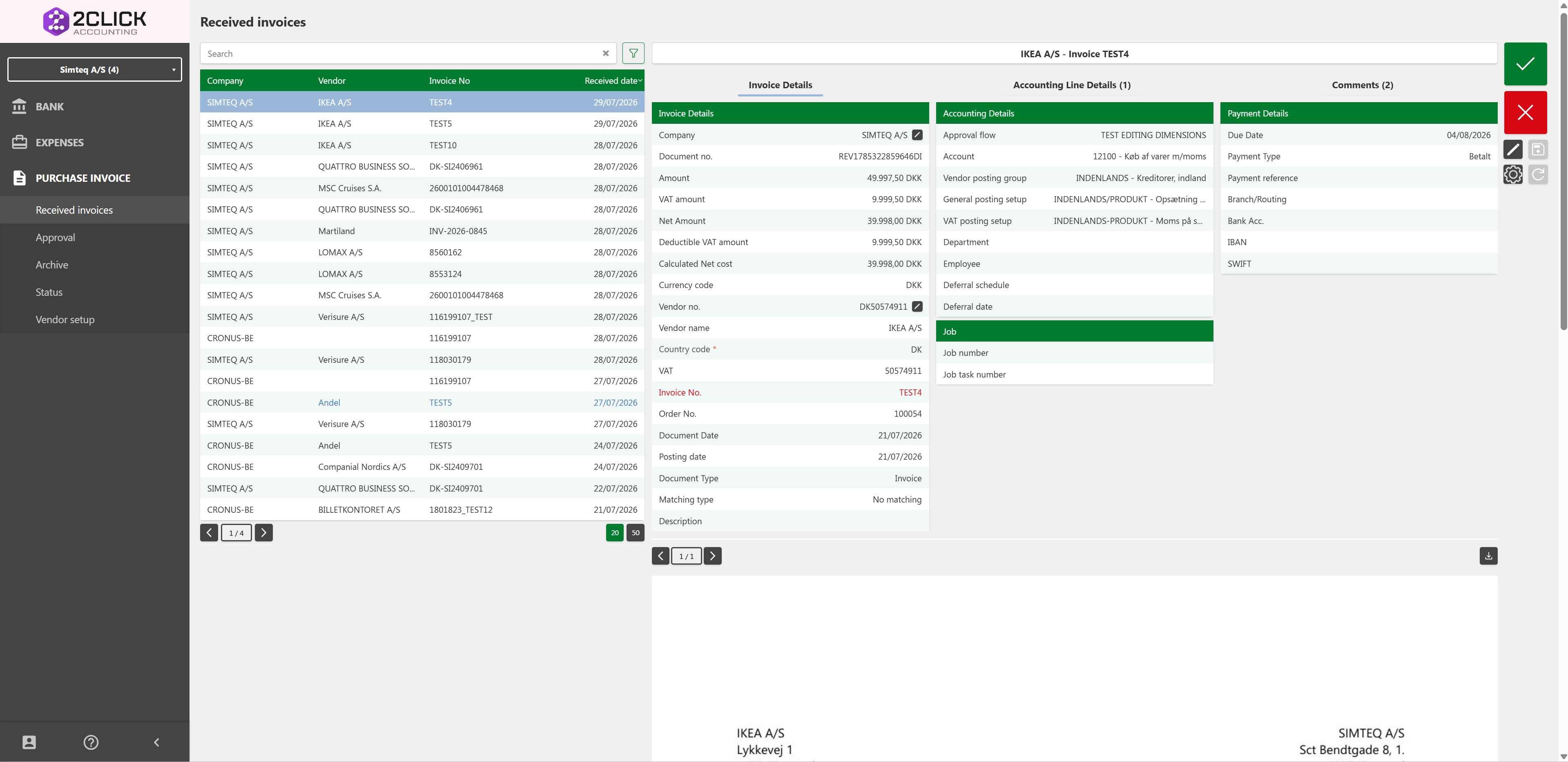
The Received Invoices page works the same way in Consolidated View as when working within a single company's 2Click system. Here you can see all received invoices across all companies in your subscription, together with an additional Company column showing which company each invoice belongs to.
If you post several invoices at once across multiple companies, and one or more of them cannot be completed, the ones that can be posted will still go through, while the failed ones will stay behind so you can review and fix them.
Approval
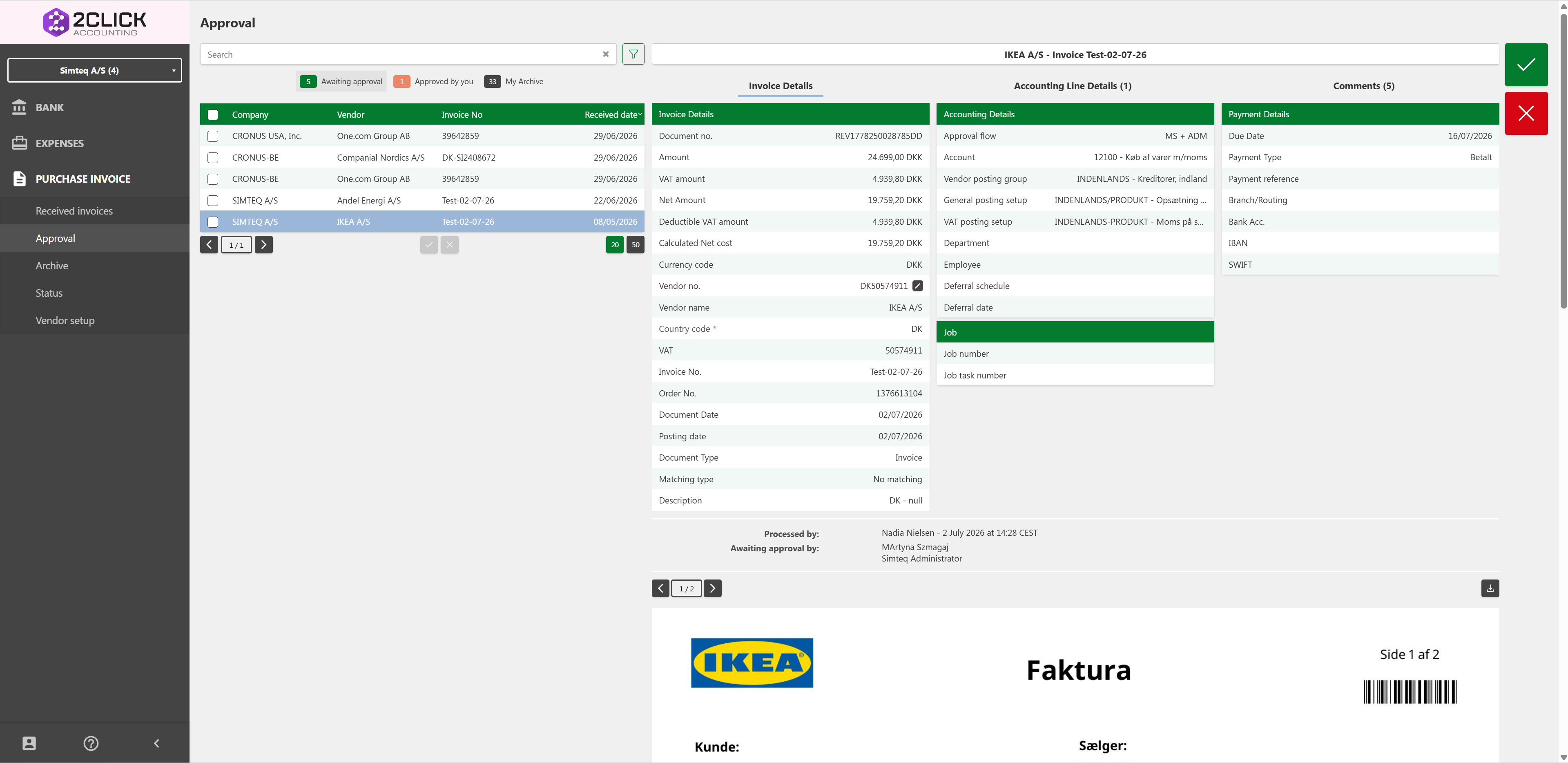
The Approval page also works the same way in Consolidated View as when working within a single company. You can approve invoices across all your companies from one view, instead of switching between each company's 2Click environment.
When invoices are approved and posted, they are still posted into each respective company's own ERP-system.
If you approve several invoices at once across multiple companies, and one or more of them cannot be completed, the ones that can be posted will still go through, while the failed ones will stay behind so you can review and fix them.
Archive
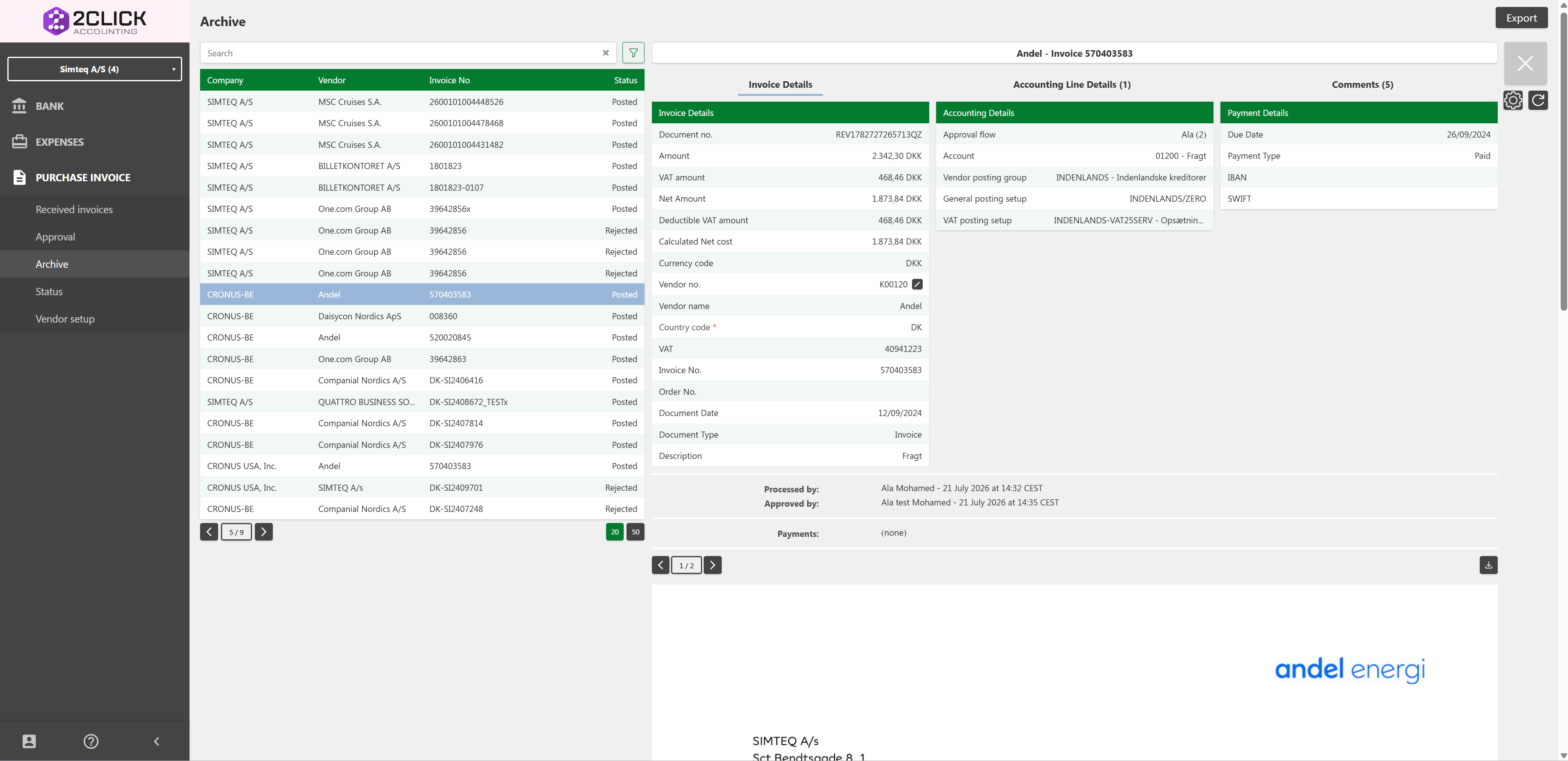
The archive works as a database of all previously posted invoices, and in Consolidated View it will show all posted invoices for all the companies in your 2Click subscription.
Status
The status page works the same way in Consolidated View as when working within a single company's 2Click system. The addition here is that you can see the status of all currently active invoices across all your companies, giving full control of the invoice process in one view, instead of having to switch between your companies' 2Click environments.
Vendor Setup
The Vendor Setup page also works the same way in Consolidated View as when working within a single company. Vendors are shown together with the company they belong to, so you can review and manage vendor setups across all your companies from one place.