Expenses
The Expense module has also been integrated into Consolidated View. Note that expenses cannot be created while working across multiple companies, since this must still be done within a single company.
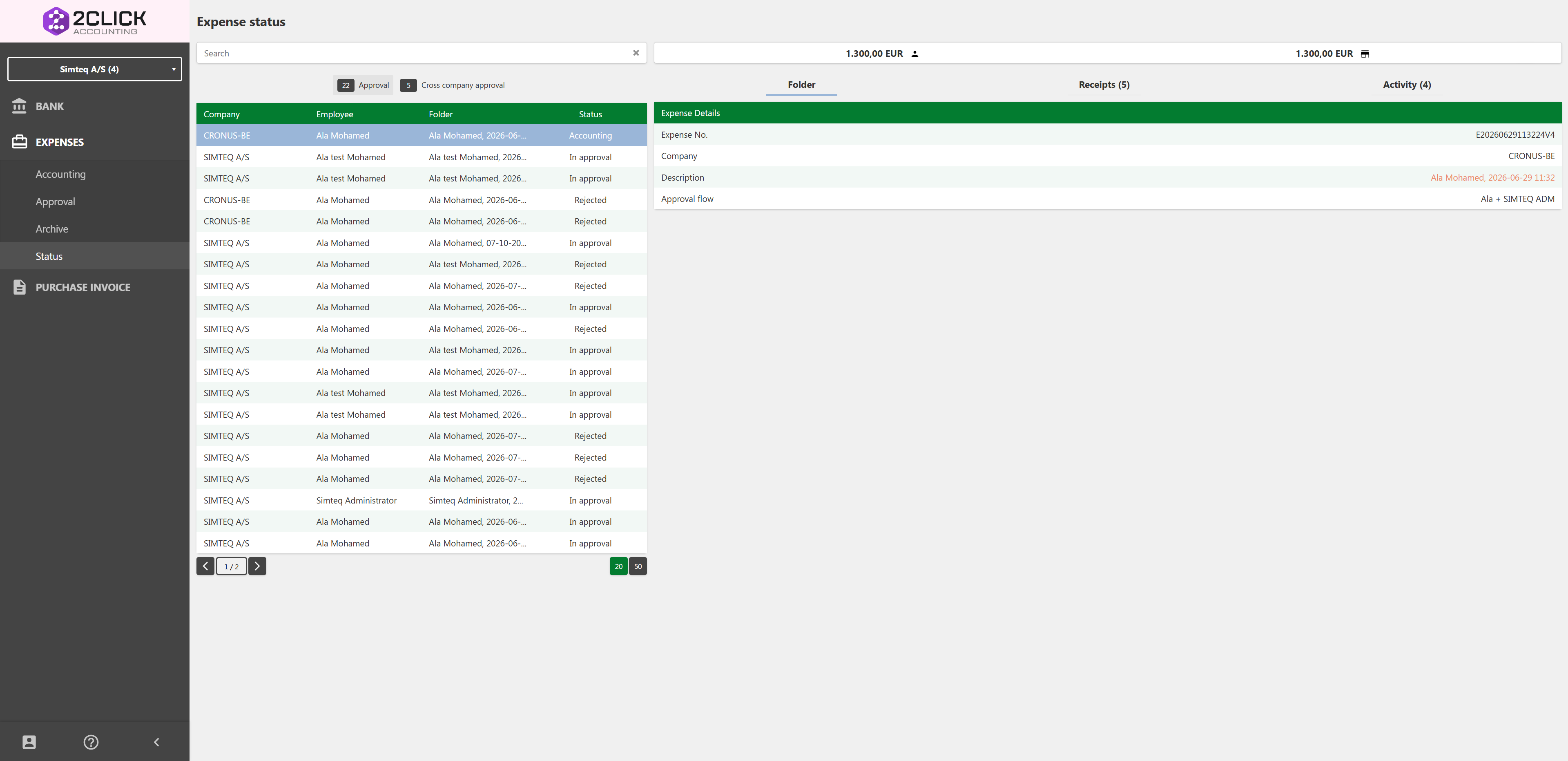
In Consolidated View, the Expense module works as a tool for approving and monitoring expenses at a higher level. It consists of four pages: Accounting, Approval, Archive, and Status. These work the same way as in a single company's 2Click environment: a list of folders and a folder page that opens when you select a row. There are two additions: the list has a Company column showing which company within your subscription the folder belongs to, and the search field also finds folders by the company's name.
For a deeper look at these four pages in the general Expense module, please read Expense approval.
Accounting
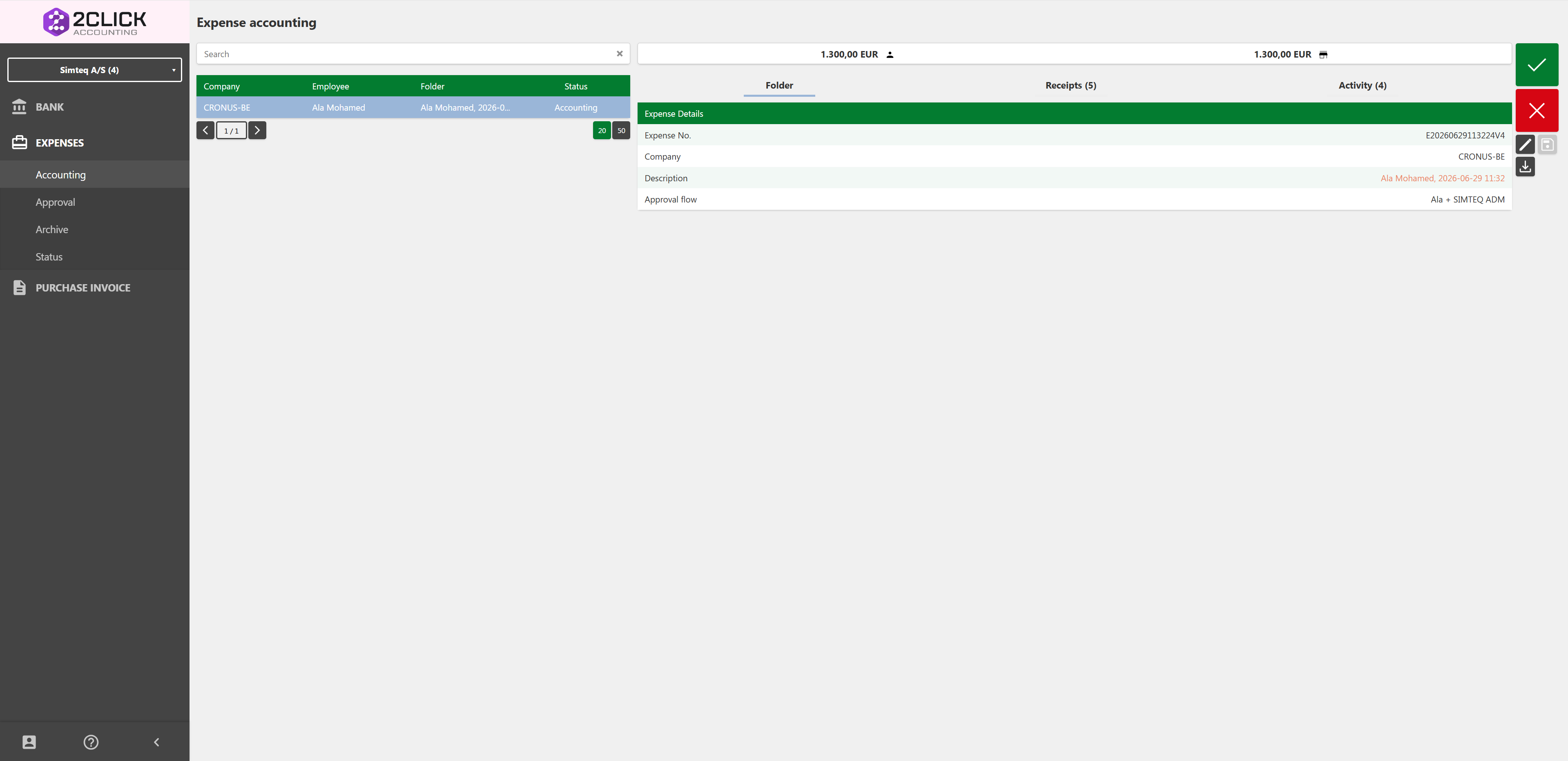
The Accounting page is very similar to handling your own expenses, and is the step before approval. It is only applicable to users that have the "Accountant" role and the page access granted in user setup. On this page the accountant can go through users' folders and change them before sending them on to approval with Accept. The accountant can also reject a folder with Reject, which sends it back to the employee. Changes are saved automatically while the accountant works.
Approval
To approve an expense, the user needs approver access. This is gained through the Approval setup. Everything in the approval process is the same in Consolidated View as when approving for a single company: select the folder, and choose Accept or Reject. The filters Approval and Cross company approval each show their own count.
Archive
The archive works as a database of all previously posted expenses, and shows all posted expenses for all the entities in your company's 2Click subscription in Consolidated View.
Status
The Status page also works the same way in Consolidated View as when working within a single entity's 2Click system. The addition here is that you can see the status of all the currently active expenses across all of your entities. This gives full control of the expense process in one view, instead of having to change between your companies' 2Click environments.